The AI Overview above search results
On this page
The AI Overview is a short summary of your search, written by an AI model, that appears in a box above the results. It answers the question behind your words in a few sentences, often with a short list of key points.
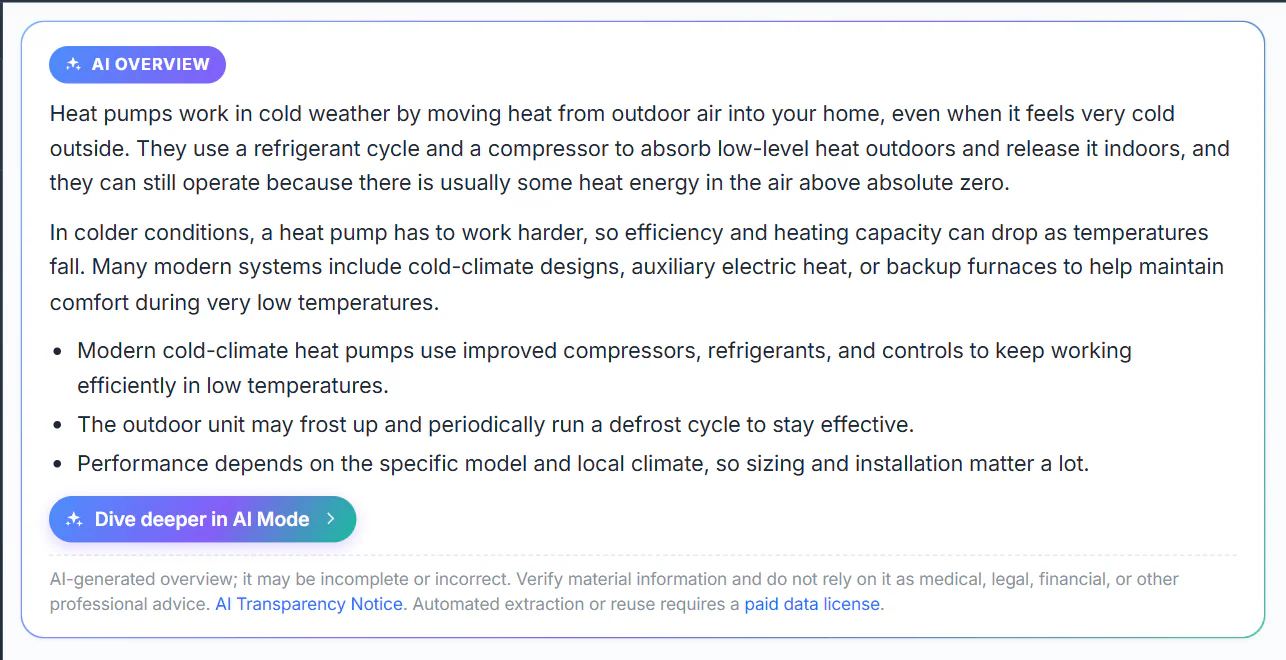
An AI Overview for the search how do heat pumps work in cold weather. The results follow below the box.
- 1The AI Overview label
- 2The summary
- 3Continue the question in AI Mode
- 4A reminder that it can be wrong
#When it appears
The overview appears when you search on the All, Web, News, Websites and Shopping tabs, and AI-assisted answers are allowed in your privacy choices. It does not appear on the home page, on Images or Videos, or before you have searched.
Your results come first. The box shows a few grey lines while the summary is written and fills in a moment later; the results never wait for it.
#Turn it on the first time
Until you allow AI answers, the box explains that nothing has been sent and offers two buttons.
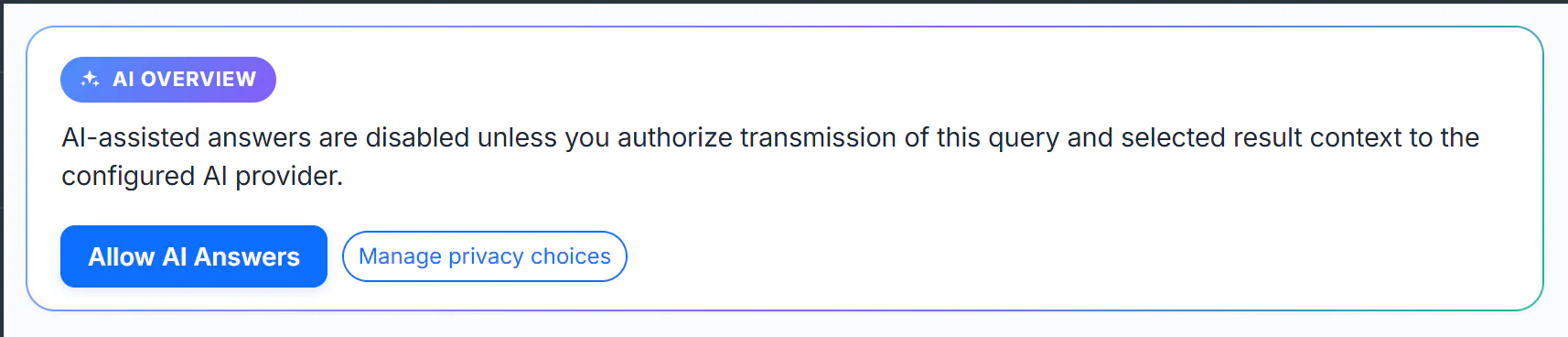
Before you allow AI answers, the box sends nothing.
- 1The AI Overview label
- 2Nothing is sent until you allow it
- 3Allow AI Answers
- 4Manage privacy choices
- Search for something, for example how do heat pumps work in cold weather.
- In the AI Overview box, select Allow AI Answers. The summary loads straight away, and from now on it appears on every search in this browser.
- To decide category by category instead, select Manage privacy choices. See Turn AI answers on or off.
#Read it well
- It is a summary, not a source. The overview names no articles. Check anything that matters against the results below it.
- It works from your words. The box answers the most likely meaning of what you typed. If your words could mean two things, it picks one; search again with more specific words if it picked the wrong one.
- It can be out of date. For news that is still unfolding, the dated articles on the News tab are the better guide.
- The note at the bottom matters. It reads: "AI-generated overview; it may be incomplete or incorrect." Do not rely on it for medical, legal, financial or other professional advice.
#Keep going in AI Mode
Under the summary, Dive deeper in AI Mode opens AI Mode with the same question already asked. There the answer cites the news articles it read, and you can ask follow-up questions. If your search was inside a topic, the chat is about that topic too. See AI Mode.
#Common questions
Why is there no AI Overview on my search?
The usual reasons: AI-assisted answers are off in your privacy choices, you are on the Images or Videos tab, or the box could not load this time. A box that failed says so and offers Retry AI overview. See When an AI answer does not appear.
Can I hide the overview but keep searching normally?
Yes. Turn off AI-assisted answers in your privacy choices. Search works exactly as before; the box only offers to turn AI answers back on.
Does the overview change if I search the same thing again?
It can. The summary is written for your words and the results of the moment, so the same search on another day may get a different summary.
Why does the overview say something the results do not?
The model also draws on what it learned before, which can be older or simply wrong. When the two disagree, trust the dated, named articles in the results.